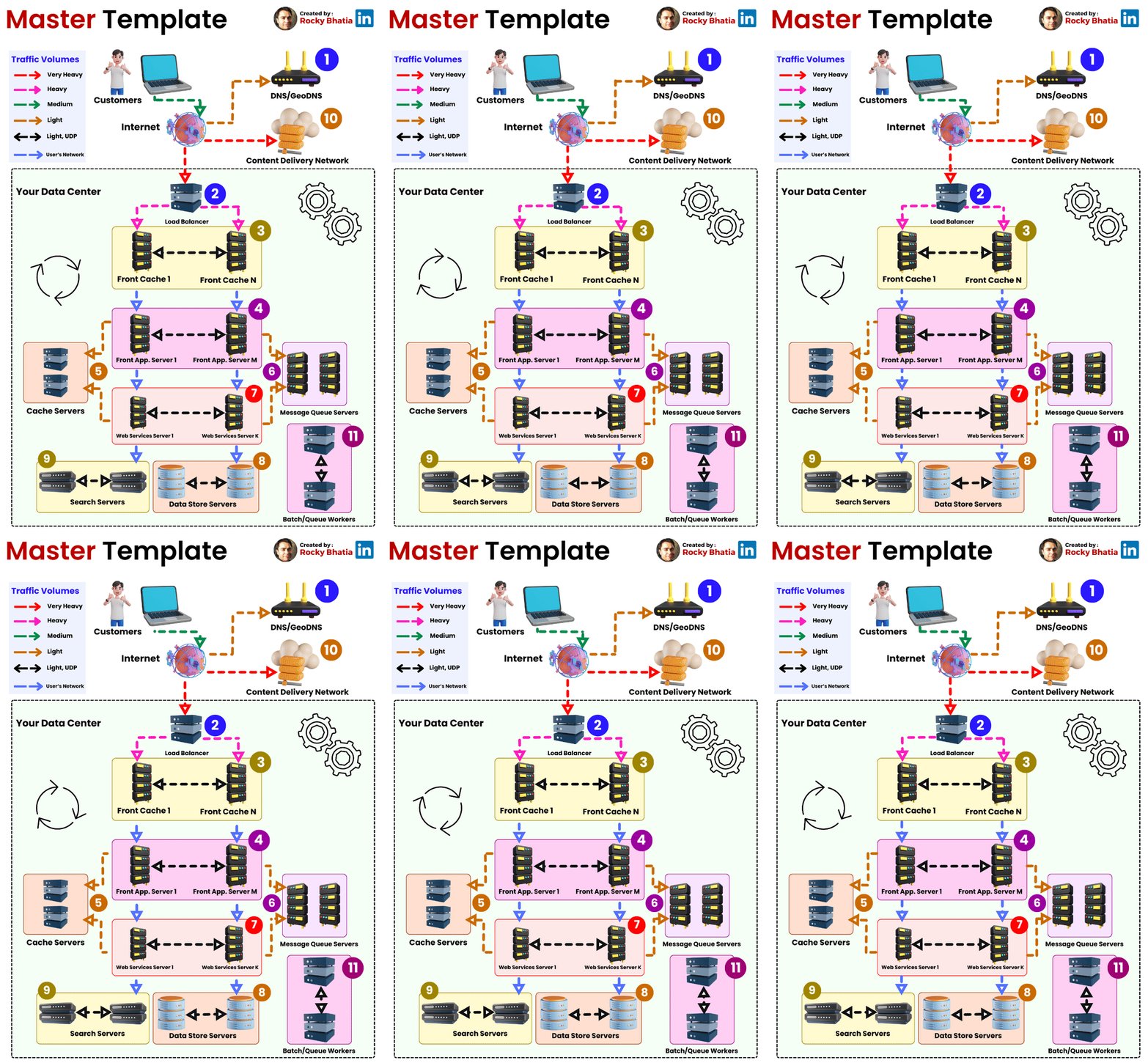
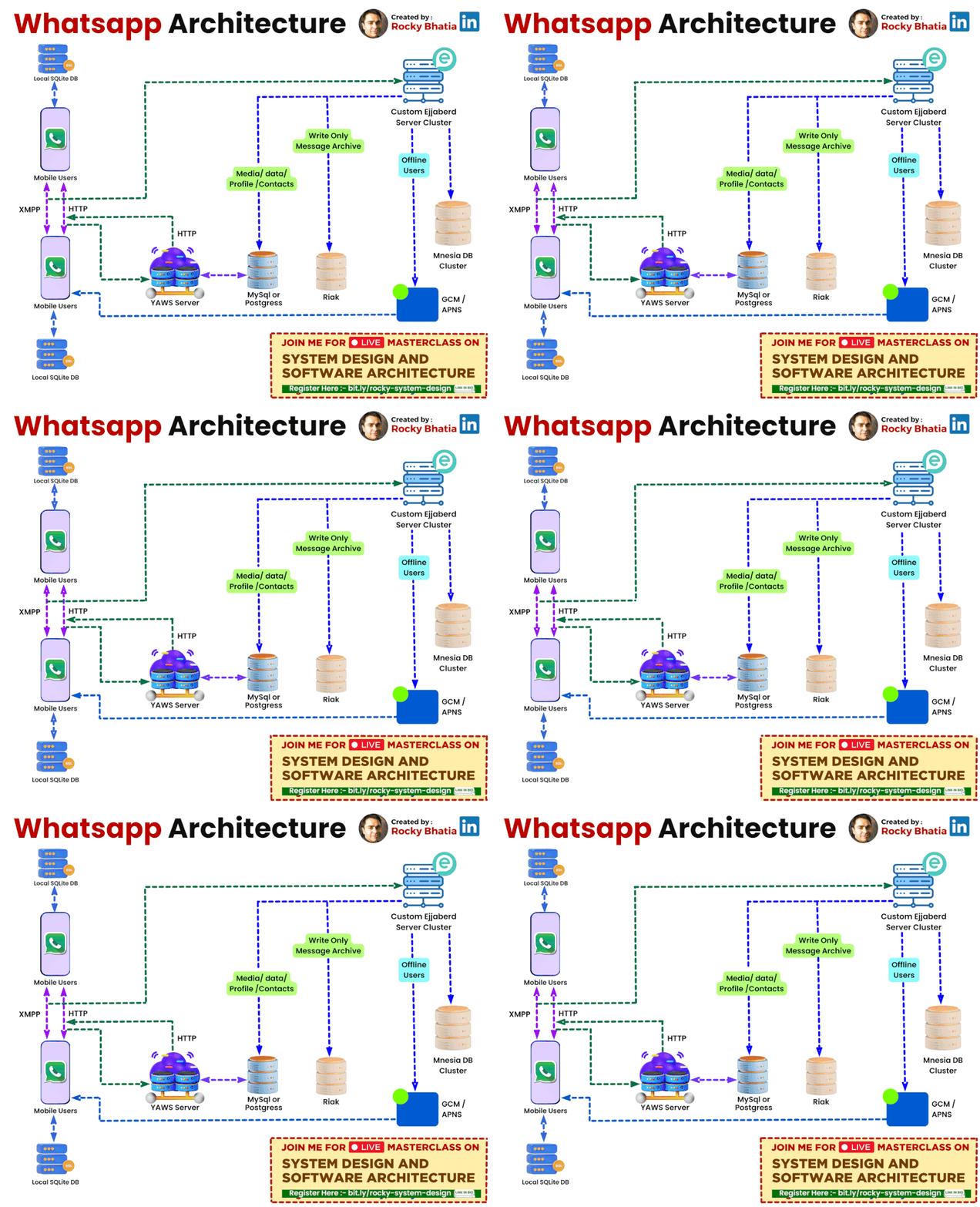
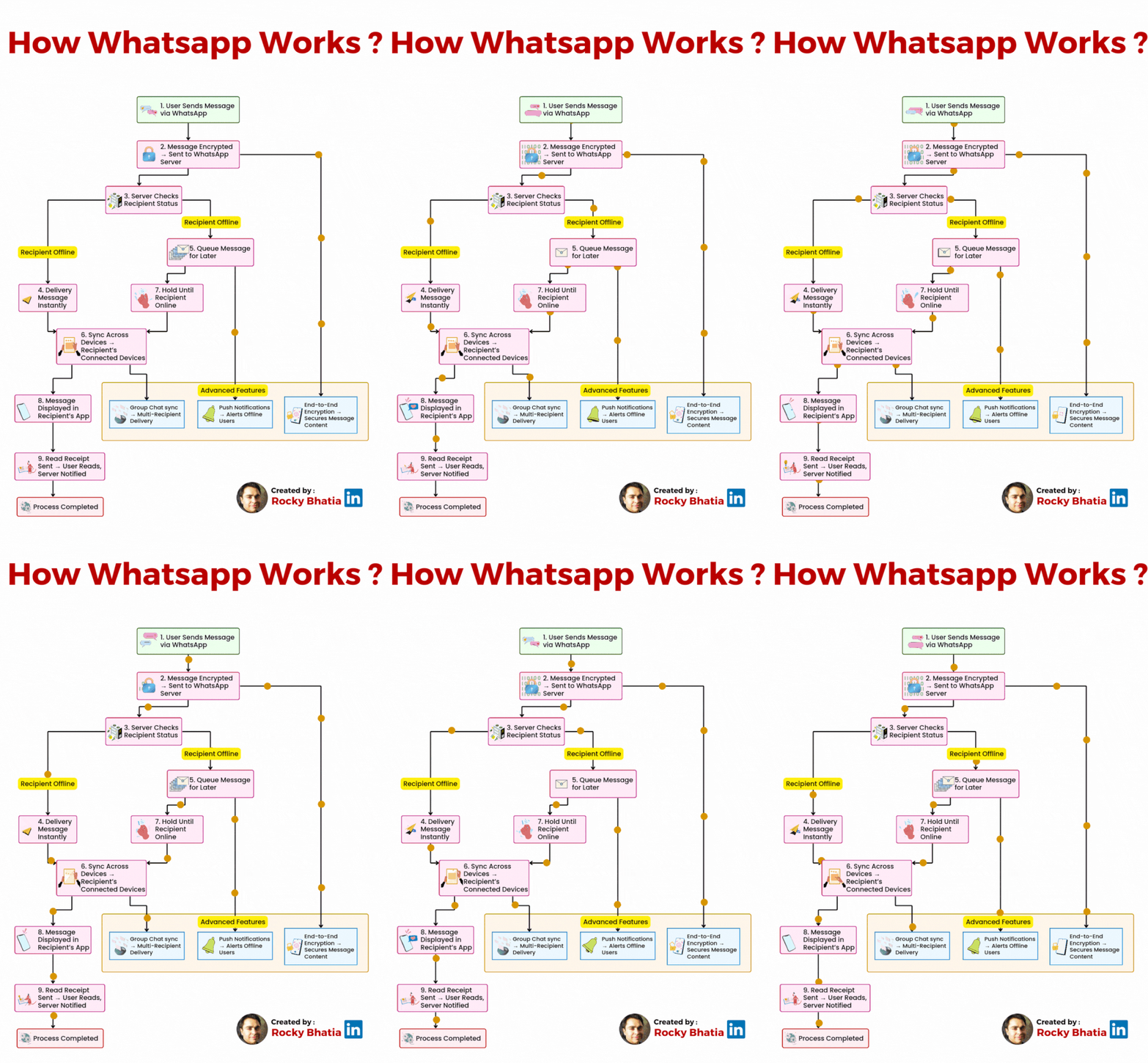
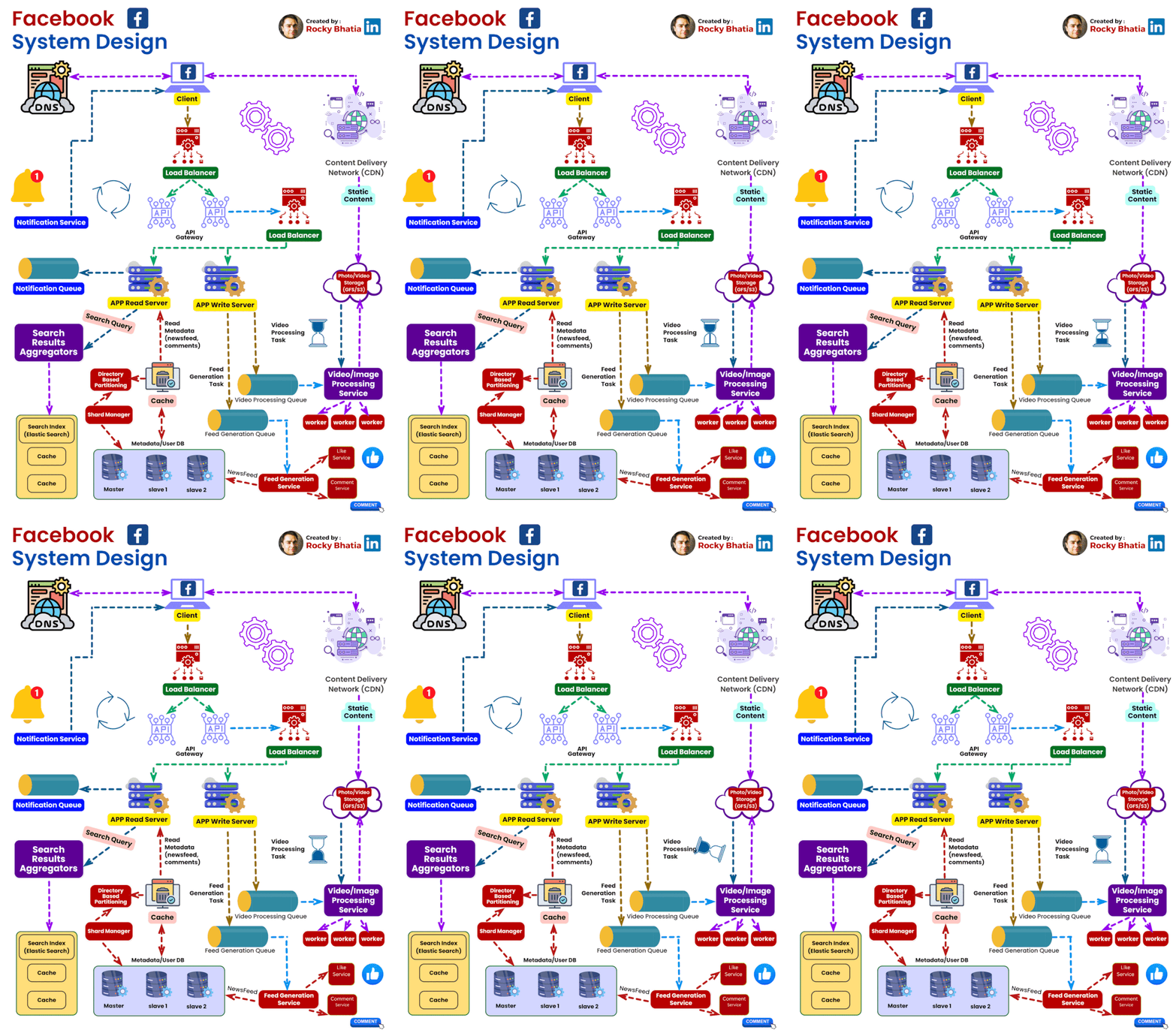
System Architecture Patterns
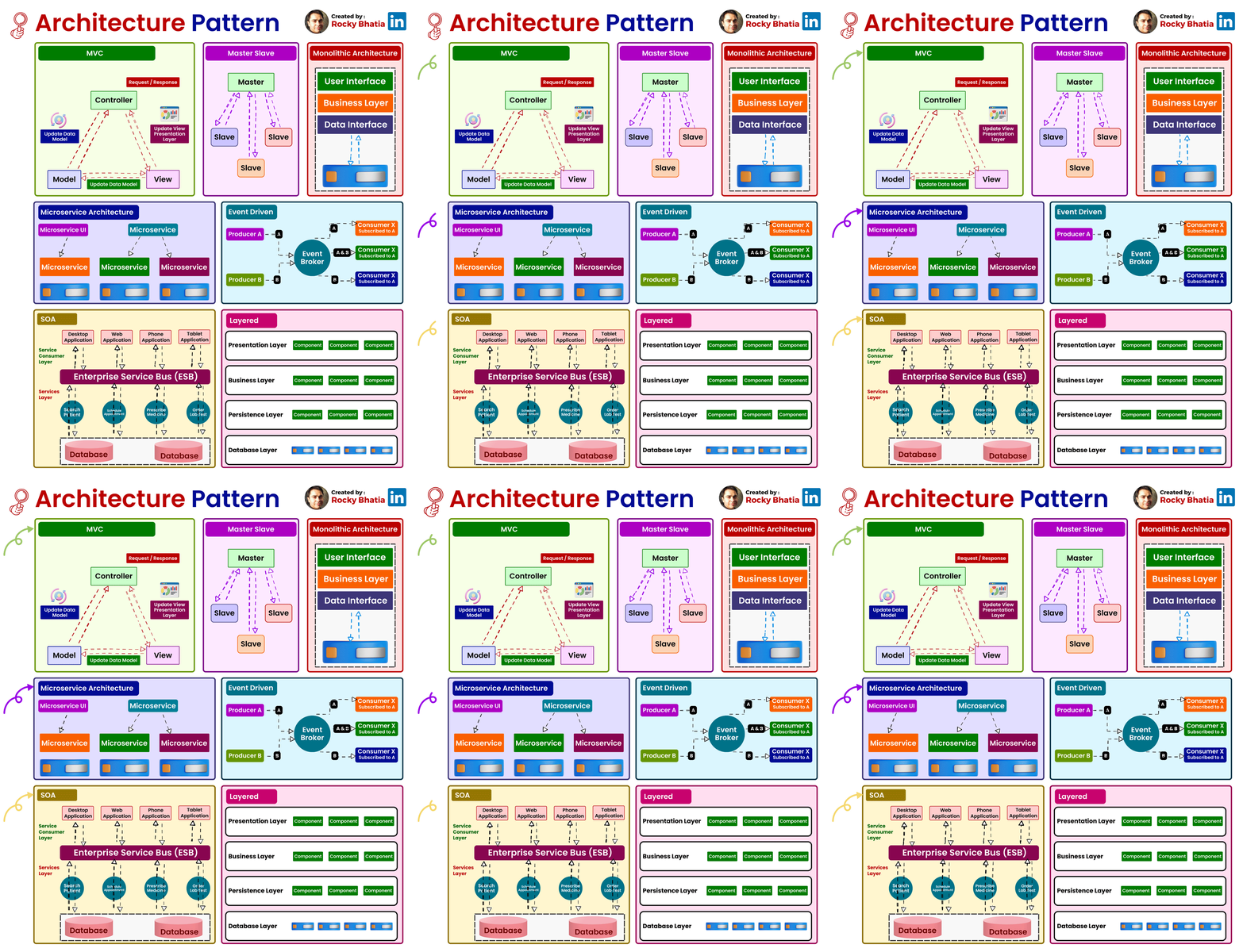
#architecturepatterns #systemdesign #mvc #microservices #layers #eventdriven
1. Model-View-Controller (MVC):
Overview: The Model-View-Controller (MVC) pattern is a time-honored architectural paradigm that separates an application into three interconnected components:
- Model: This component represents the data and business logic of the application. It encapsulates the application’s data structure and the rules for manipulating that data.
- View: Responsible for managing the user interface and displaying information to the user. It receives input from users and sends commands to the controller.
- Controller: The controller handles user input, updates the model, and refreshes the view accordingly. It acts as an intermediary that processes user input and manages the flow of data between the model and the view.
Uses: MVC is widely employed in web development and GUI-based applications, offering a clear separation of concerns and facilitating easier maintenance and development. This architectural pattern enhances modularity, making it easier to scale and maintain applications over time.
How it Works: Consider a web application where a user interacts with a webpage. When the user performs an action, such as clicking a button, the controller captures this input, updates the underlying data model, and triggers a refresh in the view to reflect the changes. This separation of concerns simplifies the development process and enhances the application’s maintainability.
2. Master-Slave:
Overview: The Master-Slave architecture is a distributed computing model where one central entity, the master node, controls and delegates tasks to subordinate entities known as slave nodes.
- Master Node: The master node manages the overall state of the system and delegates specific tasks to slave nodes.
- Slave Node: Each slave node operates independently and reports back to the master node after completing its assigned tasks.
Uses: Master-Slave architecture is commonly employed in scenarios where workload distribution, fault tolerance, and parallel processing are critical. This architecture is particularly useful in data-intensive applications and distributed computing systems.
How it Works: Consider a scenario where a master node is responsible for processing a large dataset. The master node divides the dataset into smaller chunks and assigns each chunk to different slave nodes. Each slave node processes its assigned chunk independently and reports the results back to the master node. This parallel processing approach enhances system performance and fault tolerance.
3. Monolithic Architecture:
Overview: Monolithic Architecture represents a traditional and unified approach where all components of an application are tightly integrated into a single, cohesive unit.
Uses: Suited for smaller projects or those with simpler requirements, Monolithic Architecture simplifies the development process by consolidating all modules, including the user interface, business logic, and data storage, into a single executable unit.
How it Works: In a monolithic architecture, the entire application is treated as a single, indivisible unit. All requests are processed within this unit, and components share the same codebase and memory space. While this architecture simplifies deployment and testing, it may pose challenges as the application grows, particularly in terms of scalability and maintenance.
4. Microservices Architecture:
Overview: Microservices Architecture is a modern approach that decomposes an application into a set of small, independent services. Each service runs its own process and communicates with other services through APIs.
Uses: Ideal for large, complex applications, Microservices Architecture promotes flexibility, scalability, and easier maintenance. It allows services to be developed, deployed, and scaled independently.
How it Works: In a microservices architecture, each service is a self-contained unit with its own data storage, business logic, and user interface. Services communicate with each other through APIs, enabling them to operate independently. This approach enhances scalability, as specific services can be scaled based on demand, and it facilitates continuous delivery and deployment.
5. Event-Driven:
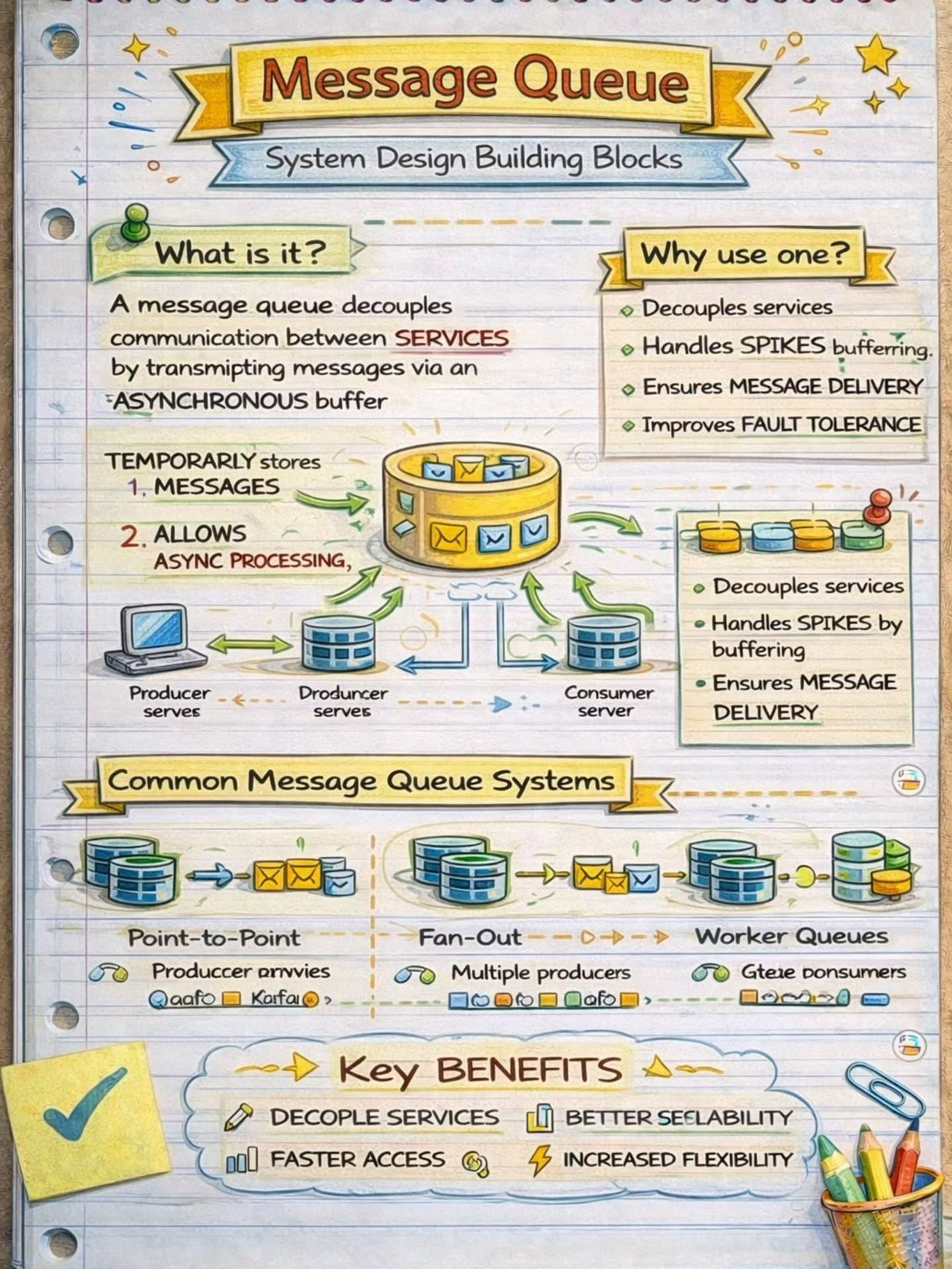
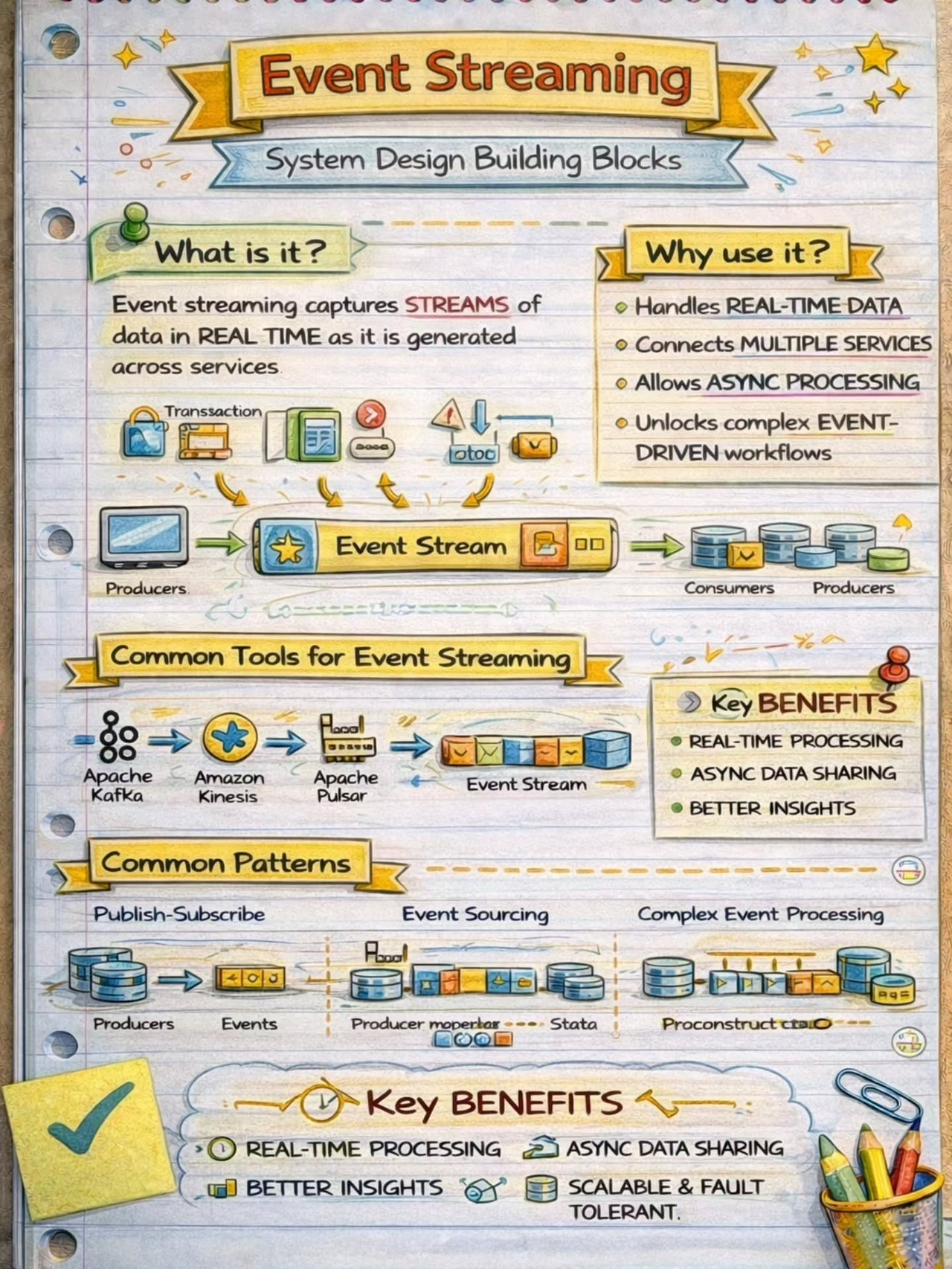
Overview: Event-Driven Architecture relies on events to trigger and communicate between different components. It operates on the principle of asynchronous communication, where events in one part of the system trigger actions or responses in another part.
Uses: Event-Driven Architecture is particularly effective in scenarios with asynchronous communication needs, real-time responsiveness, and loose coupling between components.
How it Works: Components or services in an event-driven architecture communicate through events. When an event occurs, it triggers an action or response in another part of the system. For example, in a messaging application, when a user sends a message, an event is triggered to update the chat interface for both the sender and the recipient.
6. Service-Oriented Architecture (SOA):
Overview: Service-Oriented Architecture (SOA) structures an application as a set of loosely coupled, independent services that communicate with each other. Each service exposes its functionality through standardized protocols.
Uses: SOA is commonly used in enterprise-level applications where interoperability, reusability, and flexibility in integrating diverse systems are essential.
How it Works: In SOA, services are designed to be independent and self-contained, with each service offering specific functionality. These services communicate with each other through standardized protocols, such as Simple Object Access Protocol (SOAP) or Representational State Transfer (REST). SOA fosters reusability, allowing services to be used in various contexts and promoting interoperability between different systems.
7. Layered Architecture:
Overview: Layered Architecture organizes components into horizontal layers, each responsible for specific functionality. This architectural pattern promotes the separation of concerns and modularity.
Uses: Widely employed in applications where a clear separation of concerns is crucial for maintainability and scalability.
How it Works: Each layer in a layered architecture has a specific responsibility, such as presentation, business logic, and data storage. Data flows vertically between layers, ensuring a clear and modular structure. For example, in a web application, the presentation layer handles user input and displays information, the business logic layer processes and manipulates data, and the data storage layer manages the persistence of data.
Conclusion:
As we conclude our deep dive into various architectural patterns, it becomes evident that the choice of a suitable pattern is akin to selecting the right blueprint for constructing a building. Each architectural pattern brings its unique advantages and trade-offs, addressing specific use cases and project requirements.
In the ever-advancing world of technology, the diversity of architectural patterns empowers developers to choose frameworks aligned with their project goals. Whether it’s the modular independence of Microservices Architecture, the structured separation in Layered Architecture, or the responsiveness of Event-Driven architecture, each pattern contributes to the evolution and progress of software design.
Understanding architecture patterns is not just a matter of academic interest; it is a crucial aspect for architects and developers alike. This understanding empowers them to make informed decisions, guiding the creation of software systems that are not only functional but also scalable, maintainable, and adaptable to the ever-changing demands of the digital landscape. As we continue to innovate and push the boundaries of what’s possible in software development, architecture patterns stand as the cornerstone upon which future technological marvels will be built. Their significance lies not only in the past and present but in the continuous shaping of the digital future.